
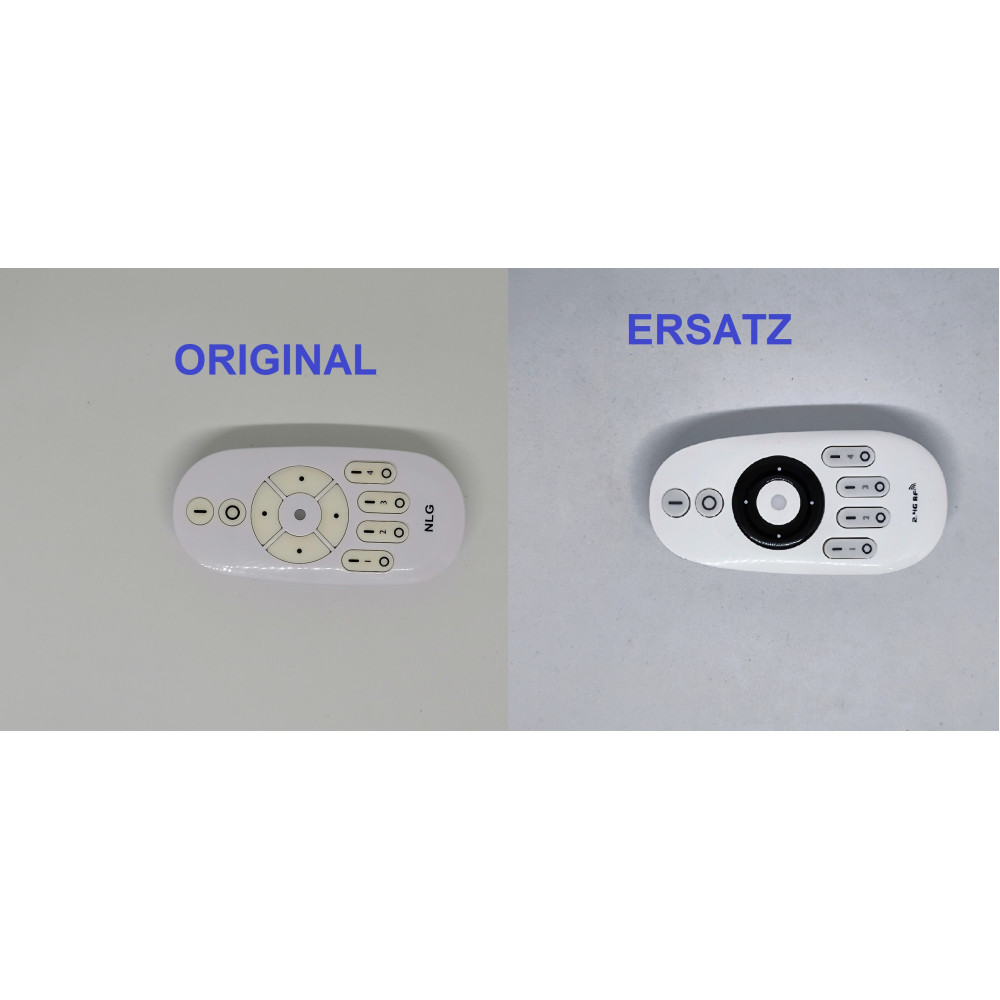
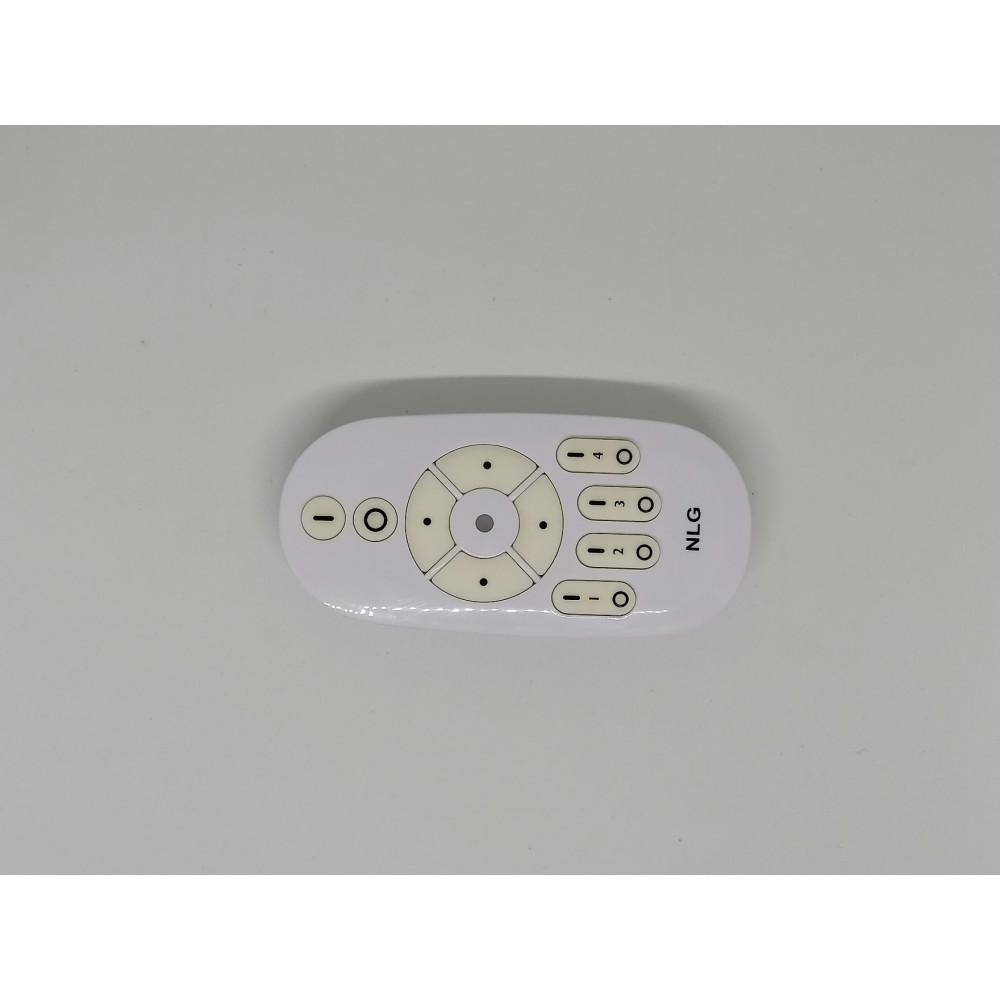
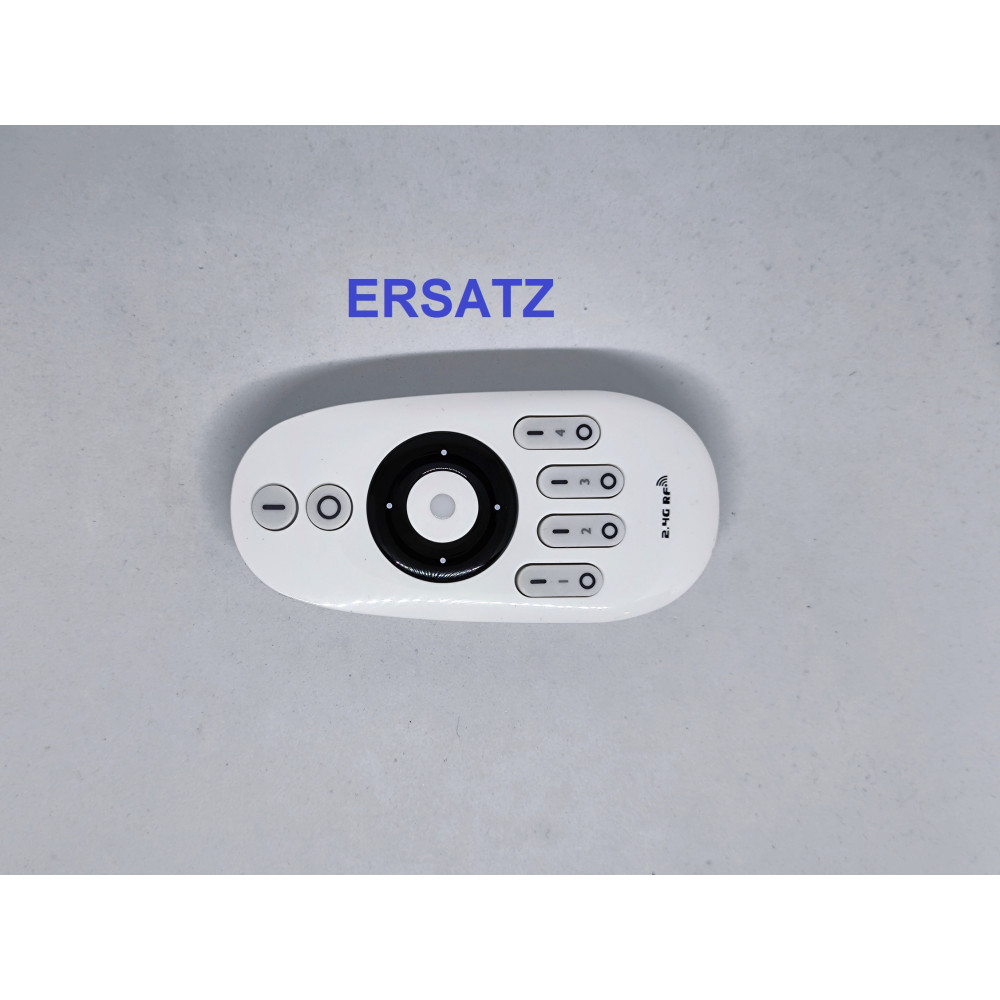
The remote control has four separate zones. Each zone has two buttons:
- I = ON
- O = OFF
The zone buttons can be used to control individual lights or groups of lights separately.
Pairing the remote control with a light
- Select the required zone, for example Zone 1.
- Completely switch the light off using the mains or wall switch.
- Switch the light back on.
- Within 3 seconds after switching the light on, briefly press the I button of the required zone once.
- If pairing is successful, the light will flash slowly three times.
The light is now assigned to this zone.
Quick sequence:
Light OFF → Light ON → within 3 seconds press I once → 3 slow flashes
Deleting an existing pairing
If a light is already assigned to a zone and the connection needs to be removed:
- Switch the light completely off.
- Switch the light back on.
- Within 3 seconds, quickly press the I button of the corresponding zone five times.
- If the connection has been deleted successfully, the light will flash quickly ten times.
The light can then be paired again with any zone.
Quick sequence:
Light OFF → Light ON → within 3 seconds press I 5 times → 10 quick flashes
Normal operation
After pairing:
- Zone I button: switch the zone on
- Zone O button: switch the zone off
- Master I: switch all paired zones on
- Master O: switch all paired zones off
- Brightness +: increase brightness
- Brightness –: decrease brightness
- Warmer White: adjust the light to a warmer colour temperature
- Cooler White: adjust the light to a cooler colour temperature
To adjust only one specific zone, first press the I button of that zone and then adjust brightness or colour temperature.
Night light mode
Press and hold the O button of a zone to activate night light mode for that zone.
Press and hold Master O to activate night light mode for all paired zones.
Important
Use only the pairing procedure described above for this remote control.
Instructions that require switching the light on and off several times, holding the remote directly against the light, or holding a zone button for several seconds belong to other control systems and do not apply to this remote.
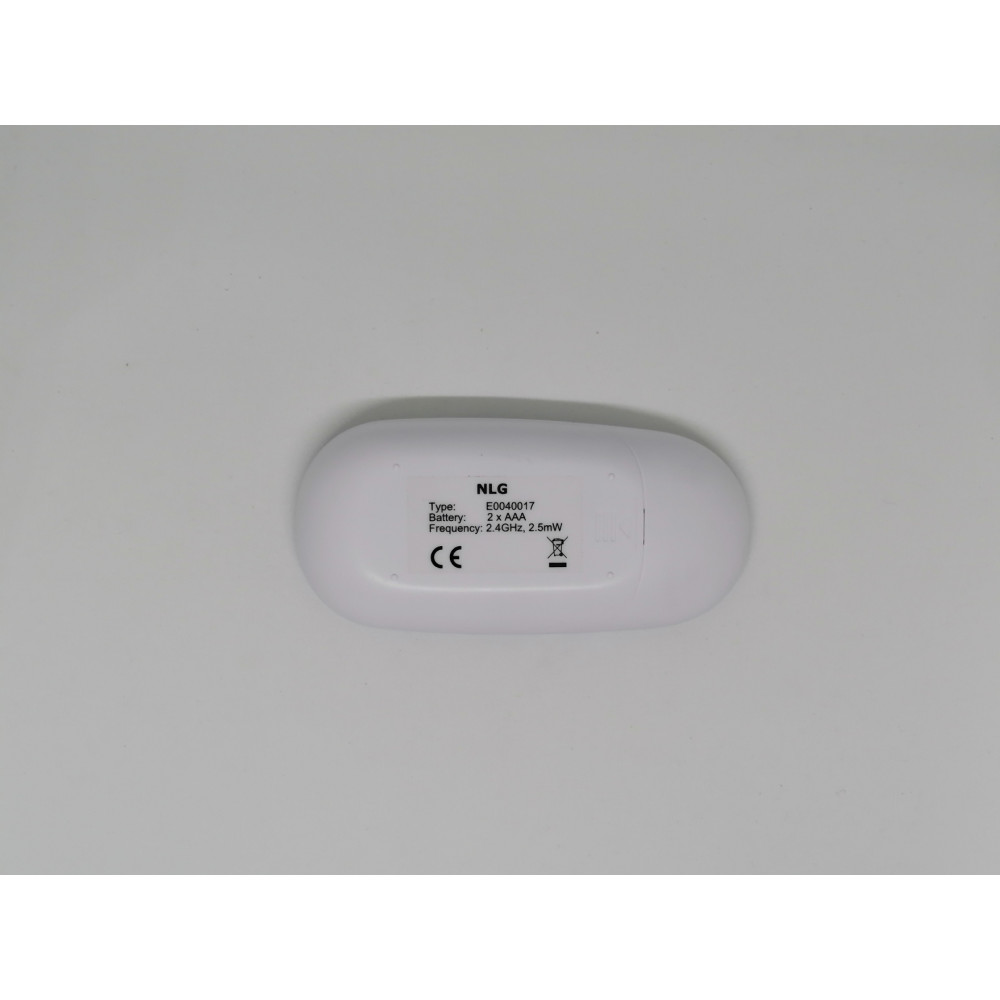
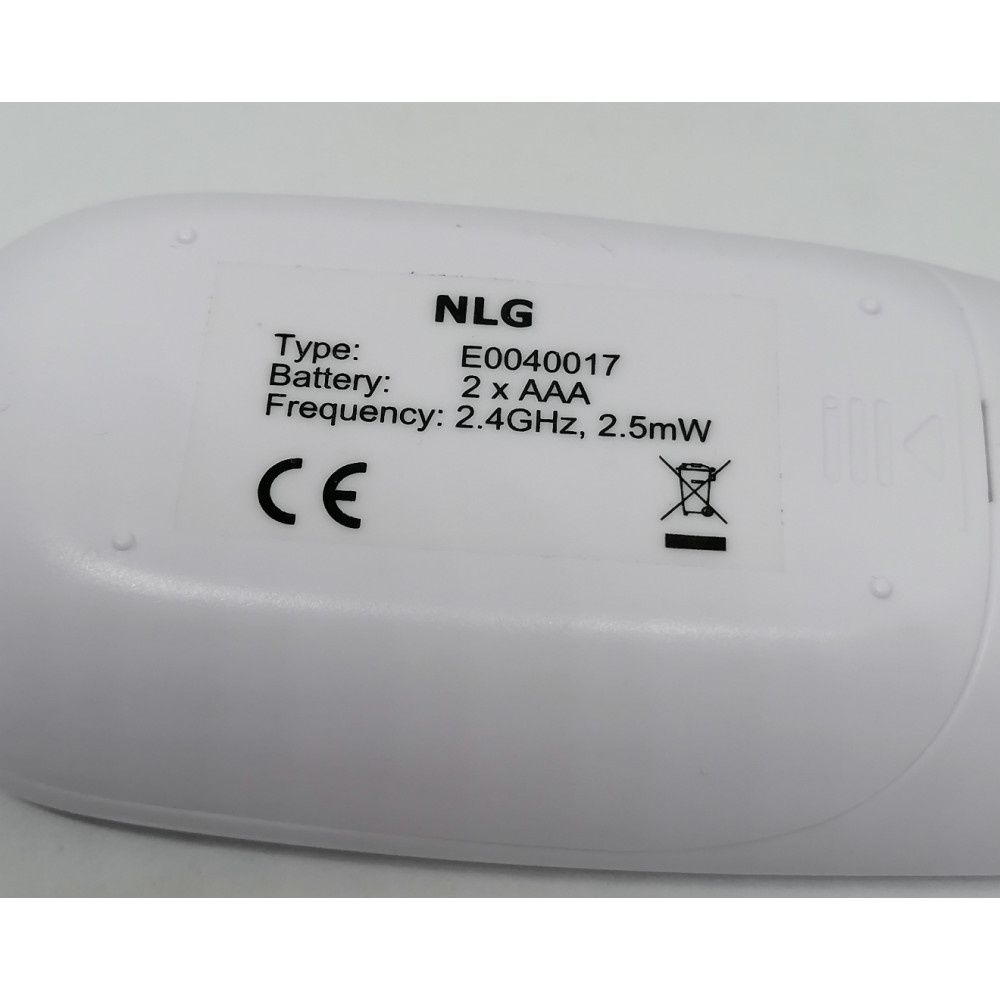
NLG E0040017 Remote Control
NLG 074025
| Functionality | |
| Expertly tested and 100% working | |
| Installation | |
| The remote control works immediately after inserting the batteries. No programming required. | |